
Conference Attendee App
We’re excited to introduce the fresh new look of the Conference Attendees App for 2025 - designed to enhance your experience from start to finish!
Download the attendees app to gain easy access and personalise your agenda, connect with other attendees, stay informed with real-time updates, and collect points for a chance to win in the prize draw!
WHAT'S INCLUDED IN THE ATTENDEES APP
Quick Connect by showing or scanning the QR Code

Up Next functions allow you to check the details on your next favourited session - Learn More
.png)
.png)
-
Search and Connect with Attendees and Sponsors - Learn more
-
Edit your photos and privacy settings
-
Type your session note anytime
-
Search for anything conference-related at the resource gallery
-
Win points and see who's on the leader board - Learn more
-
Select your conference dinner table
-
Get conference update with Alerts and News
Quick action to check the agenda, set up meetings, and search for speakers
CREATE YOUR PERSONAL AGENDA
Create your personal agenda with our Attendee App!
Tap on ‘Agenda’ to explore all available sessions. Want to know more? Just click on a session to view full details!
Interested in attending a session? Hit the ⭐ star icon to mark it as a favourite. All your starred sessions will appear in your Personal Agenda and show up in the Up Next feature—so you’ll never miss a moment!
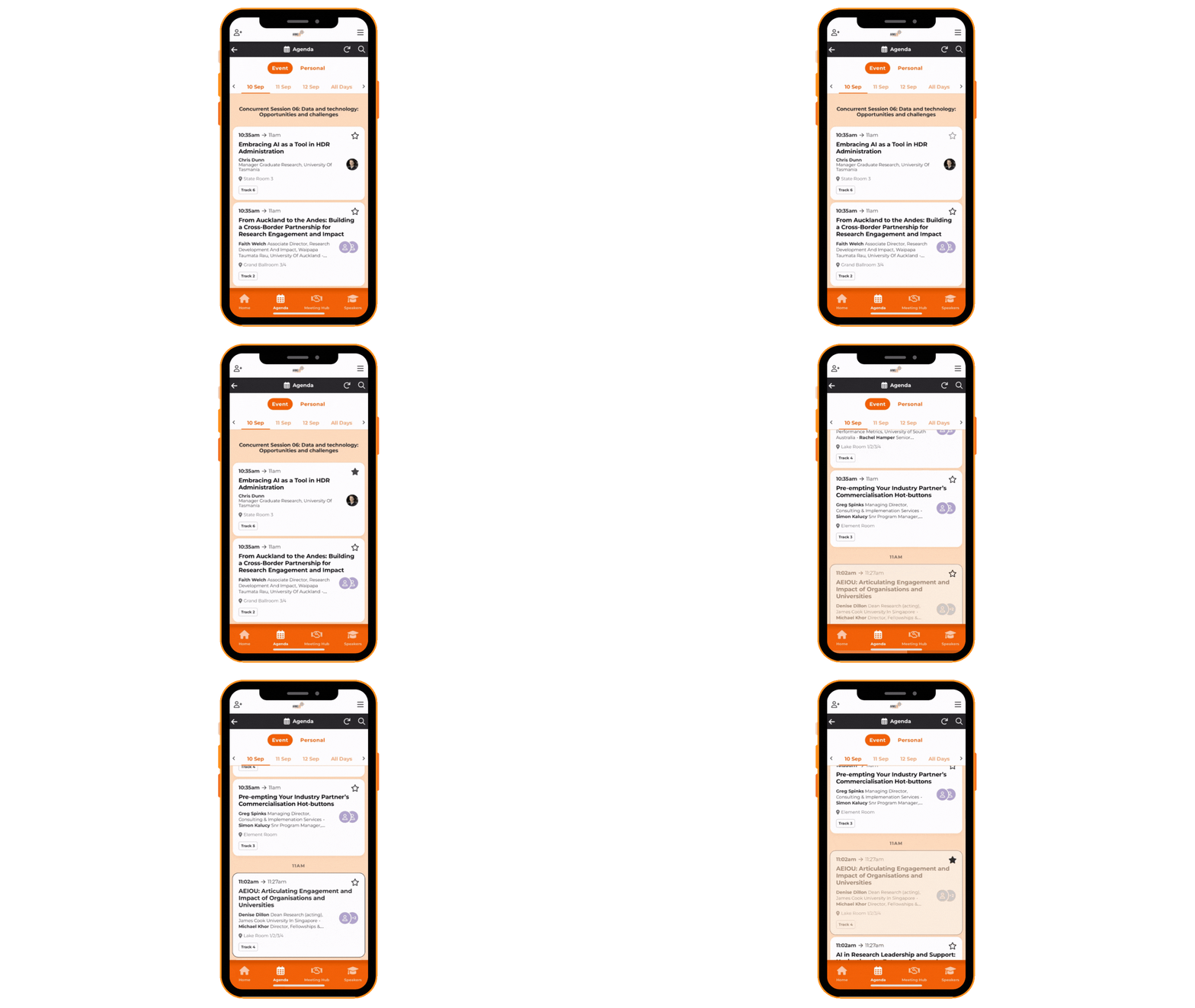
.png)
Click here to swap between your personal agenda and full program agenda!
Note: We highly recommend pre-scheduling your conference agenda to ensure you don’t miss out on key sessions.
Click here to view the full program and start building your personalised agenda!
CONNECT WITH OTHERS
Use the quick connect button or search attendees in ‘Meeting Hub’ or ‘Attendees’ to connect.

Click here to request to connect
Live chat, send a message or check their profile anytime. Once you are connected, you can set up a meeting and enter a note about the attendee (only you will be able to see your note)
*Note: Only information you selected in the 'privacy & setting' will be shared with other attendees

WIN POINTS AND VIEW LEADER BOARD
Win points through the conference attendee app for a chance to win our prize draw!
Points are awarded throughout the conference, and the winner will be randomly selected from the highest-scoring attendees. The lucky winner will be announced during the Closing Session on Friday—don’t miss out!
HOW TO WIN POINTS
Find the 5 QR Codes hidden at the conference. Win 5 points for each QR Code and get a total of 25 points!
Post on your socials to earn 25 points! Don't forget to hashtag #ARMS2025 and tag us in your post! Show your post to one of our staff members to claim your points!
Get your passpost (your unique QR Code) out in the attendee app and have them scanned by all 17 Exhibition Booths! Win 10 points each and receive a total of 170 points!
Click here to see if you made it to the overall top 10 or today's top 10!
Find the Hidden QR Code
Post on Your Socials
Join the Passport Competition


HOW TO DOWNLOAD THE ATTENDEE APP
Scan one of the QR codes below, depending on your device type to download the attendee app! Don’t forget to accept push notifications to ensure you get real time updates on everything happening during the event.
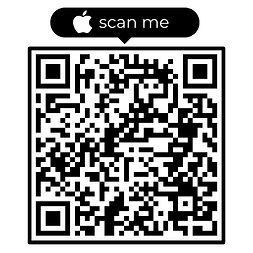
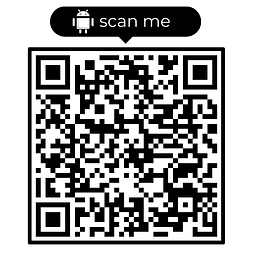
Event Code: ARMS2025
Your Username and App PIN are provided in the confirmation email sent during registration and will be included in your welcome email one week prior to the conference.